
| TL;DR: Schools often manage approvals and parent permission through paper forms, emails, and separate apps. Moving a permission slip online addresses only one step. Edsby Forms & Workflows connects forms with existing student records and guardian contacts. Staff can route approvals, track parent responses, and record field trip attendance using QR codes. Each approval carries a signature and timestamp, giving districts a record connecting the initial request, parent consent, and students’ participation. |
When a teacher plans a class trip to the science museum, the permission slip isn’t the first step. Before it goes home, the request needs approval from school leaders and sometimes the district.
Those steps can happen in different places. Staff may send requests over email while families still sign paper forms. Moving the slip online fixes only part of the problem. The approvals leading up to it and the student record it belongs to can still sit in separate systems. That’s the difference between digital forms and approval software for school districts and a slip that simply moved online.
Edsby is a K-12 platform used across much of Canada and licensed nationally in New Zealand and the country of Georgia. In September 2026, it launched Forms & Workflows to do exactly that. Rather than starting with the form, it starts with the information districts already hold about their students.
Edsby Keeps Forms from Becoming One More Tool
A single field trip can involve several systems before students even leave the school. For instance, in Auburn School District, staff submit trip requests through an electronic approval system. Parent permission runs on a separate track, through printable forms or a parent app.
This isn’t limited to one school process. Across a district’s different activities and departments, those separate processes can add up to a long list of tools. Instructure’s EdTech Top 40 analysis found districts accessed an average of 2,982 distinct tools in one school year, free ones included. Each additional tool also raises questions about where student data is stored and who has access to it.
Much of that work falls to district technology staff, and many are already short on time. In fact, in a CoSN survey of over 400 district technology leaders, 60% named time and manpower as barriers to stronger privacy programs. A new forms tool, however useful, adds one more system for them to watch.
Instead of adding another standalone tool, Edsby takes a different route, building school district forms software into its existing platform. Districts already using Edsby can access the forms through the platform their staff and families use. New customers get the forms as part of the wider platform.
There’s also the question of where districts store student data. Dallas Kachan, Edsby’s VP of Marketing, told SaaSTake that generic form tools can leave student data outside official school systems. Districts on Edsby, he said, “know their data is being stored in their region, because that’s where their Edsby system resides.” That system runs on Microsoft Azure, and its information security is independently audited under ISO/IEC 27001.
Every Form Starts With the Student’s Family Already Linked
Before any form goes out, someone has to decide who receives it. For every student, that means reaching the right parents or guardians and controlling which staff can see the responses. With those relationships already in the platform, staff doesn’t have to enter those contacts and permissions manually.
Kachan said:

That information comes from Edsby’s connection to the district’s student information system, which already contains student rosters and parent contacts. Kachan said this saves districts from entering the same information again or setting up contacts manually.
And the same setup applies to digital permission forms for schools beyond field trips, including photo releases and medical disclosures. Once families respond, each completed form links to the student’s profile instead of sitting in a separate database.
Why School Approvals Rarely Follow One Fixed Route
When SaaSTake asked Kachan which school processes are hardest to digitize because they involve several approvals, he pointed to field trips. A typical process might look like this: a teacher proposes the trip and the principal approves it. Higher-risk trips may also need the superintendent’s review before families are asked for permission.
However, the approval sequence can vary considerably between districts. That means field trip approval software for school districts needs to accommodate those differences rather than impose the same process everywhere.
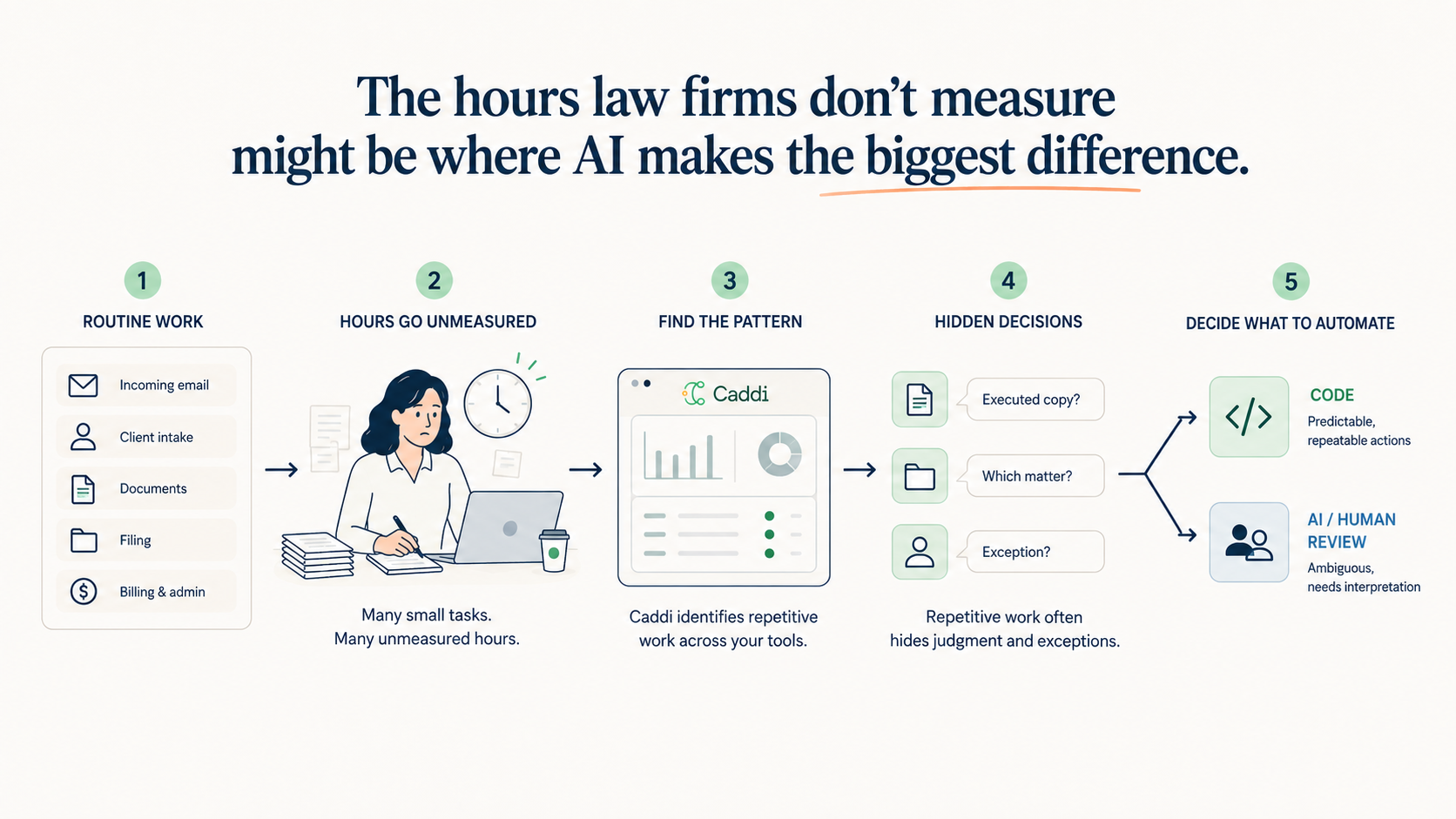
Streamline AI faces the same workflow problem in legal intake, where requests need the right information and routing before the next person can act on them.
Using Edsby’s workflow editor, districts can set out their approval steps in an ordered list or a flowchart. For example, a district can set a rule that automatically sends trips lasting more than a day to the superintendent for approval. The platform sets no limit on the number of forms or workflow steps.
Kawartha Pine Ridge District School Board in Ontario, one of the first districts to deploy Forms & Workflows, said Edsby’s willingness to accommodate its approval requirements influenced its decision. The board compared several vendors and chose the one willing to build around its own approval requirements.
Once those internal approvals are in place, families only see the step meant for them. “Workflows like permission forms for field trips, where parents have to give their consent, become easy,” Kachan said. The same school approval workflow software can also route staff forms from an individual school to district leaders for approval.
What Happens After Parents Receive the Form?
Once schools send out permission forms, they need to track which families have responded. This is where Kachan points to parent consent tracking for field trips as one of the most obvious savings. As he puts it:
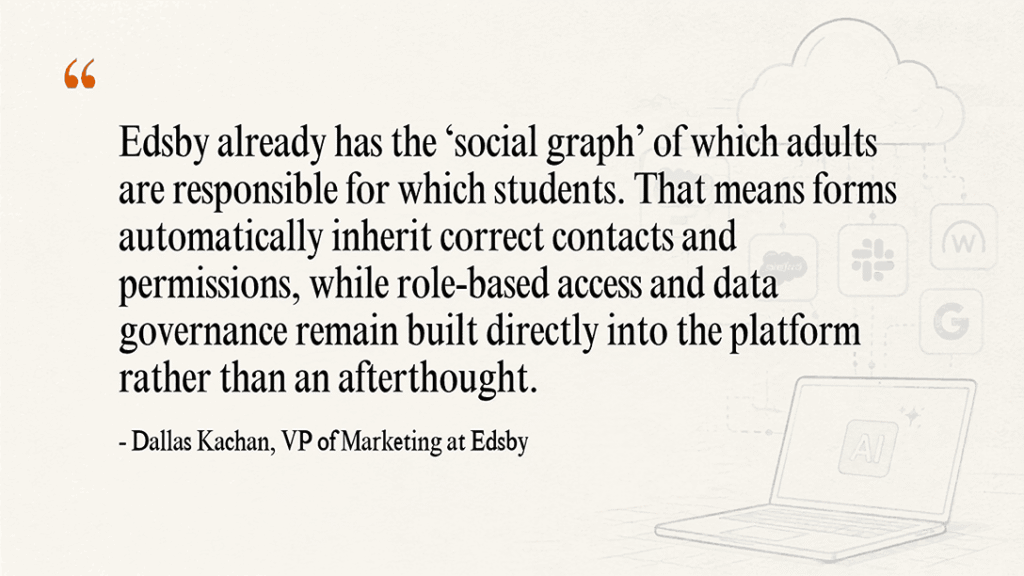
For families with more than one guardian, the rule is simple. Each guardian receives the form, and Edsby records the first completed response as the official one. If anything needs to change after that, families contact the school office.
Staff can check completion status at the classroom, school, and district levels. RSVPify handles a similar response tracking problem for events, using live guest records to identify who has responded and who still needs follow-up.
Beyond helping staff follow up with individual families, the software also gives district leaders a broader view of outstanding responses. Kachan said district leaders can also measure how long common processes take and identify the approval stages where delays occur.
The Approval Process Doesn’t End with a Signature
Collecting permission forms is only part of preparing for a field trip. On the day of the trip, staff also need to account for every student. As Kachan explained, staff face questions once the trip is underway: “Does everyone getting on the bus have valid approval? Did everyone come back after lunch?”
To address that part of the process, Forms & Workflows also cover student check-ins during the trip. Staff can use QR code boarding passes to check students in when they leave and again when they return.
In other words, these checks connect the digital field trip permission forms with actual boarding records. This lets the staff see which students have permission to attend and which ones have boarded.
Every Approval Leaves a Signed, Timestamped Record
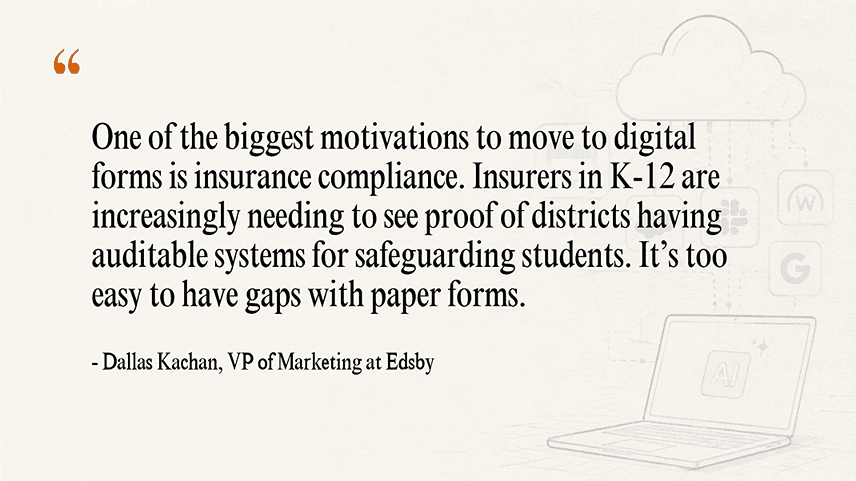
Edsby records each approval with a digital signature and timestamp. Signers can draw their signature on screen or type their name and confirm it as their own. Taken together, these records show who approved each stage of the trip and when. They also give district administrators an audit trail they can refer to later.
According to Kachan:
Of course, protecting that record also means controlling who can open it. Each form carries its own permissions, so the district decides who can view and edit it.
So when buyers compare tools, a completed trip record says more than a blank form. It shows how each system captures decisions along the approval chain.
Field Trips are Just the Start
Kawartha Pine Ridge, a district serving 34,000 students that has used Edsby since 2014, is initially using Forms & Workflows for field trips. The board already sees potential in other processes across its schools.
Kachan believes districts need to consider more than replacing paper when moving their forms online. That changes what they should look for in school forms workflow automation. A form builder may make it easier to collect information. However, districts also need to consider whether it connects with their existing approval rules, student records, and parent contacts.
For families, little will look different. The next time a teacher plans a trip to the science museum, the permission slip will still be the part they see. What changes is everything that happens before and after they sign.